
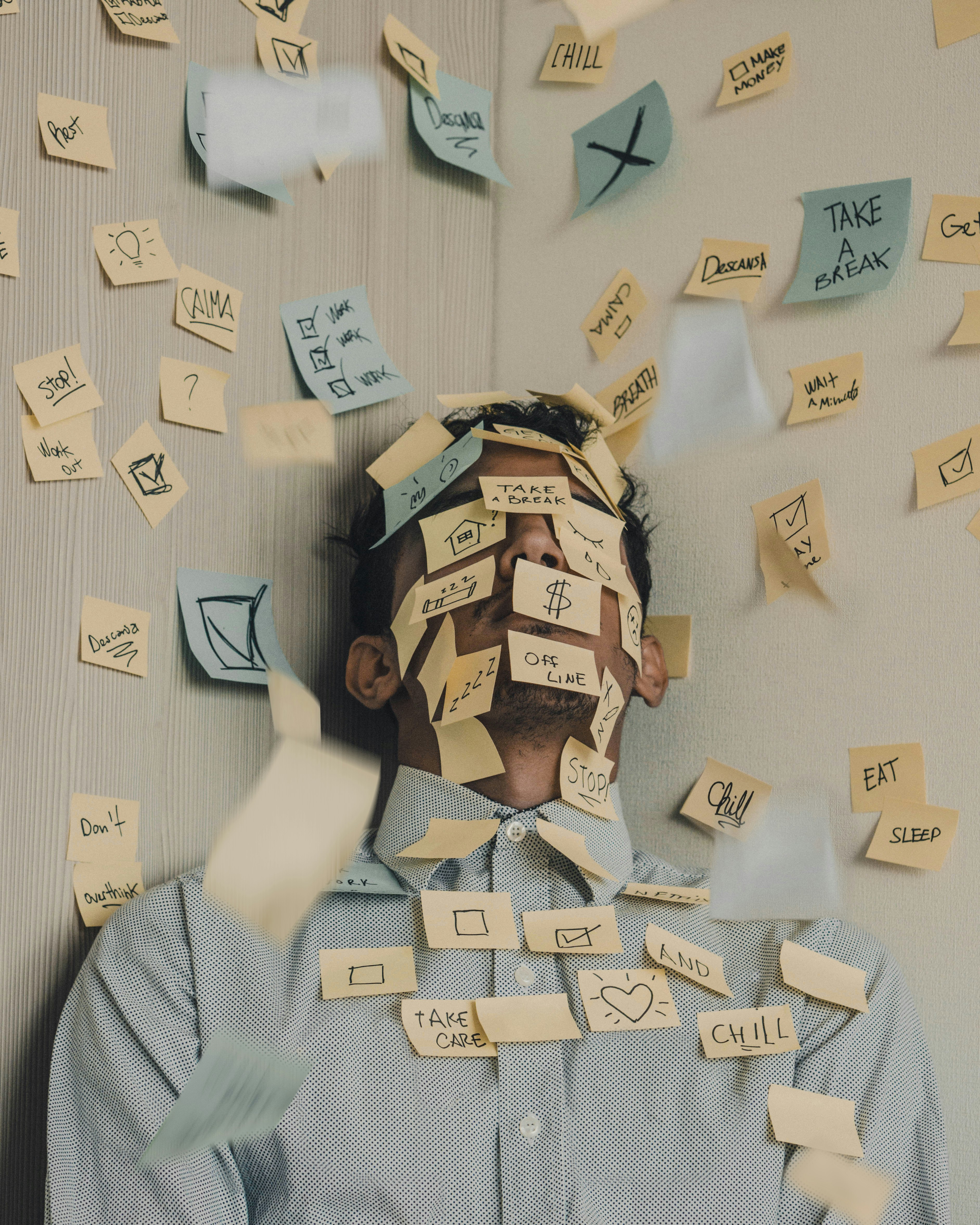
Five practical ways I use AI as a freelancer — from mockups and admin to live tools and parallel research — to spend less time on busywork and more on the craft.
There's a lot of "AI will change everything" content floating around, and most of it is too vague to be useful. So I thought I'd share what's actually working in my day-to-day.
Here are five ways AI has become a quiet teammate in my studio — nothing flashy, just five workflows that have made the week feel a bit lighter.
The hardest part of any project, for me, is starting. AI helps me skip the staring-at-nothing phase.
I'll use Midjourney for moodboards, Figma's AI features for quick layout options, and Claude when I need a simple HTML prototype to show a client by the end of the day. None of it replaces the craft. It just gets me past the first hurdle so I can spend my time on the parts that need real attention.
Inbox triage, project setup, the status updates I always mean to send — these are the bits of freelancing that pile up.
I have Claude Cowork helping me sort through email, draft replies in my voice, and set up new projects in Asana when a contract comes in. My Monday morning admin block used to take about 90 minutes. It's now closer to 20.
Each morning, a scheduled task pulls headlines from the sources I actually care about — Brand New, It's Nice That, Marketing Brew, a few Substacks — and gives me a tidy summary of brand launches, campaign breakdowns, and platform updates.
It's a small thing, but it's replaced an hour of doom-scrolling with five minutes of useful context.
This one's been a fun shift. Rather than wrestling with Notion templates for briefs, invoices, and contracts, I've started building small live tools — a brief generator pulled from my intake form, an invoice builder tied to time tracking, a contract generator that adjusts based on scope.
Each one took an afternoon to set up, and they save a bit of time every week. Over a year, those bits add up to something meaningful.
This is probably the biggest shift in how I work. Instead of treating AI as a faster pen, I treat it as a second pair of hands.
While I'm designing, I'll have Cowork doing competitor research, exploring copy variations, or pulling references for an upcoming pitch. I check in every 30 minutes or so.
It doesn't feel like multitasking — more like having a quiet collaborator handling the bits that don't need my taste, so I can stay focused on the parts that do.
What ties all of these together isn't speed. It's headspace.
The goal isn't to do more, faster. It's to spend less time on the work that drains me, so I have more energy for the work I actually love. That's been the most meaningful change for me — and I think it's where AI is genuinely useful for freelancers right now.
If you found this helpful, I write more on brand, growth, and freelance life over on LinkedIn and Twitter. Always happy to chat.